Access premium sports betting and casino gaming directly from your Android or iOS device. The Betwin Kenya mobile app delivers full platform functionality with optimized performance for Safaricom, Airtel, and Telkom networks across Kenya.
Native applications provide faster load times compared to mobile browsers, with offline caching for quick access to betting history and account details. Push notifications alert users to odds changes, live match updates, and promotional offers in real-time.
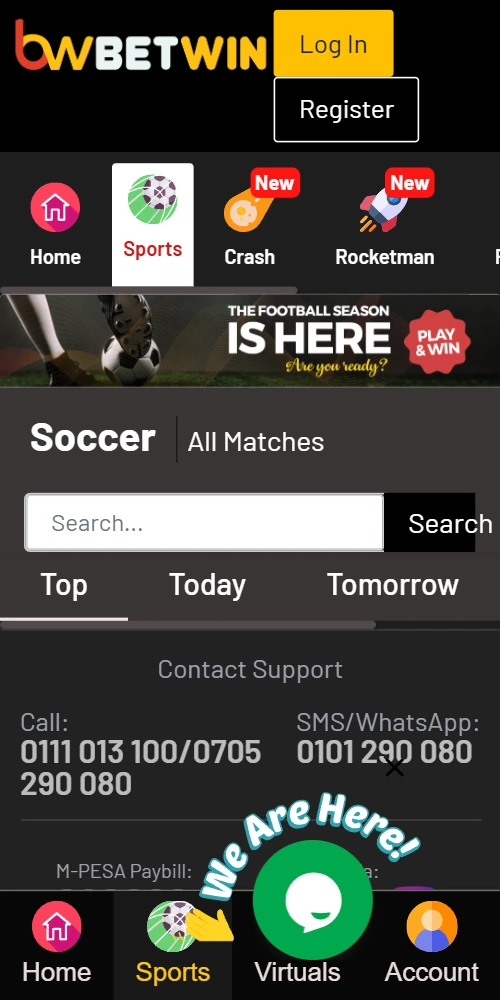
The Android application requires manual APK installation since Google Play Store restricts real-money gambling apps in most regions. Download size approximates 15MB, requiring Android version 5.0 or higher for compatibility.
Navigate to device Settings, then Security settings. Enable "Unknown Sources" or "Install from Unknown Sources" to permit APK installations from outside the Play Store. This security setting can be disabled after installation completes.
Access betwinkenya.com through your mobile browser and locate the Android download button. The APK file downloads to your device's Downloads folder. Open the file manager, find betwin-kenya.apk, and punch the filename to initiate installation.
The system prompts permission requests for storage access, network connectivity, and notification delivery. Grant all permissions for full app functionality. Installation concludes within 30-60 seconds depending on device processing speed.
Download Android APKiPhone and iPad users access the Betwin Kenya app through direct download from the official website. Apple App Store restrictions in Kenya prevent listing of real-money gambling applications, necessitating alternative distribution methods.
The iOS version requires iPhone 6 or newer models running iOS 11.0 minimum. Download size reaches approximately 18MB; installation consumes roughly 25MB of device storage after unpacking.
Visit betwinkenya.com using Safari browser on your iOS device. Locate the iOS download section and punch "Download for iPhone" button. The system prompts enterprise profile installation - select "Install" when the configuration profile dialog appears.
Navigate to Settings > General > Device Management after download completes. Find "BETWIN LIMITED" profile and punch "Trust BETWIN LIMITED" to authorize the application. Launch the app from your home screen; first-time opening may require additional verification.
Get iOS AppOptimized button sizing for thumb navigation. Gesture controls enable quick bet placement and market switching without menu diving.
Compressed assets reduce bandwidth consumption by 40% versus mobile web. App caches frequently accessed pages for offline viewing.
Real-time notifications for match starts, odds shifts, cashout opportunities, and withdrawal confirmations. Customizable alert preferences in settings.
Fingerprint and Face ID login options replace password entry. Session encryption protects financial transactions on public networks.
One-tap M-Pesa integration stores paybill details for instant repeat deposits. Transaction history accessible without network connection.
Complete access to 1200+ casino titles, all sports markets, and live dealer studios. Game performance matches desktop quality on modern devices.
Performance benchmarks show native applications load betting markets 2.3x faster than mobile websites on identical network connections. The app pre-loads odds data during idle moments, ensuring instant market access when users open specific events.
Battery consumption drops by approximately 25% compared to browser-based betting sessions of equivalent duration. Native code execution requires less processor overhead than JavaScript rendering in mobile browsers.
Biometric authentication eliminates password typing on small keyboards - a security advantage that also speeds up login sequences. Face ID or fingerprint unlock completes in under 2 seconds versus manual credential entry averaging 8-12 seconds.
Push notifications deliver time-sensitive information without requiring the app to remain open. Users receive alerts for live betting opportunities, promotional offers, and account activity even when the application sits in background mode.
Start Mobile BettingSolution - Verify "Unknown Sources" enabled in Security settings. Some devices require per-app permission rather than global setting. Navigate to Settings > Apps > Special Access > Install Unknown Apps and enable permission for your browser.
Solution - Complete the trust process in Device Management. Go to Settings > General > Device Management, select BETWIN LIMITED profile, punch "Trust" button. Restart device if trust option doesn't appear immediately.
Solution - Clear app cache and data, then reinstall. Ensure your device meets minimum system requirements. Update to latest Android/iOS version if available. Contact support if crashes persist after reinstallation.

 Download APK
 Get on App Store